How to get verified on TikTok: open the app, go to your Profile, tap the Menu icon (three lines), then Settings and privacy > Account > Verification, and submit the request. Verification is free and cannot be bought. Your follower count is not a criterion: TikTok checks that your account is authentic, complete, active, secure, and notable, meaning you are covered in multiple credible news or media sources. That last requirement is where most applications fail, and it is the one worth working on.
What the blue check mark actually means
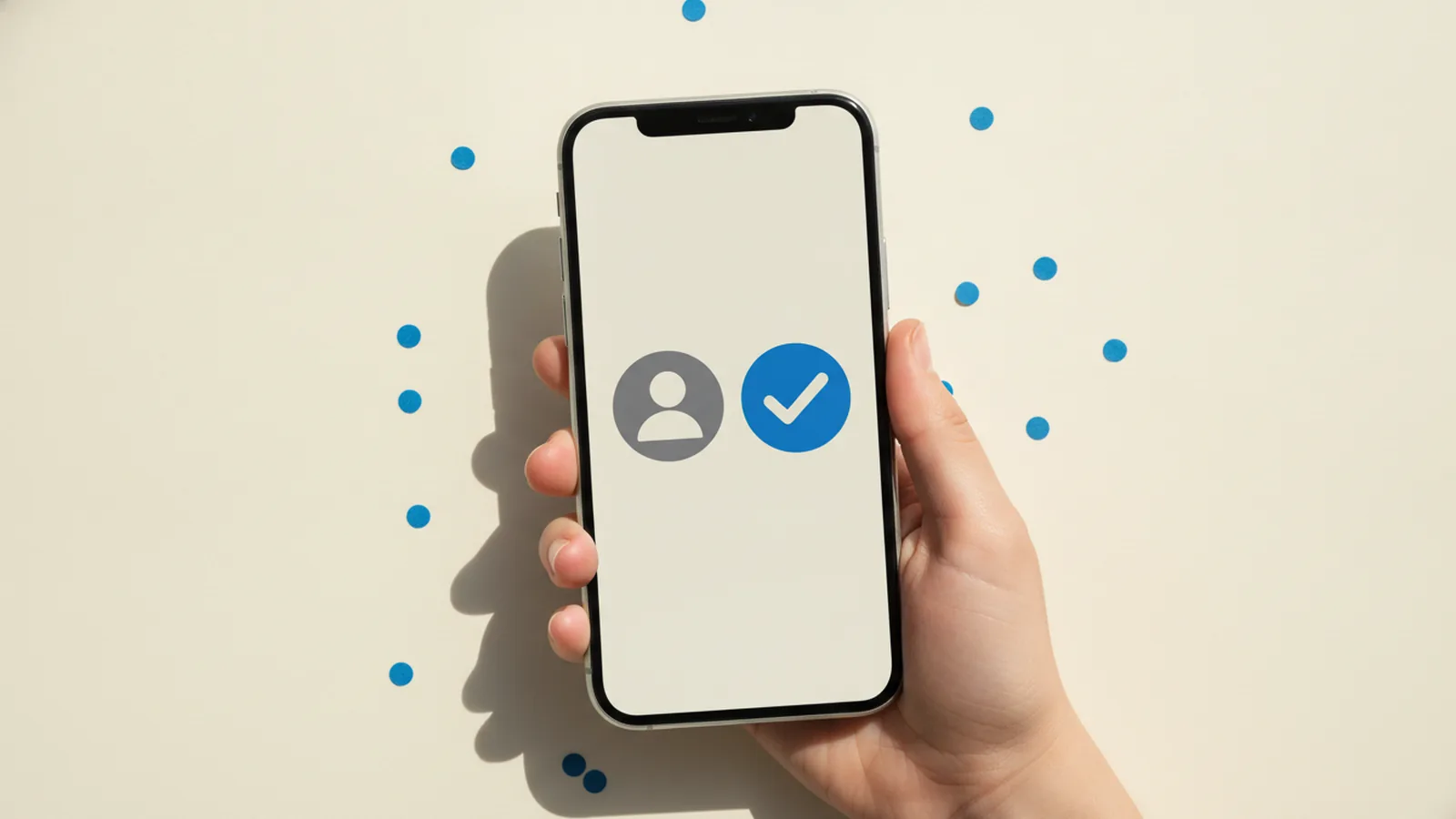
A verified badge on TikTok means one thing: TikTok has reviewed the account and confirmed it is the authentic presence of the person, brand, or organization it claims to be. It is an anti-impersonation signal, not a quality award and not a reward for growth.
Here is what it does not do. It does not unlock monetization, it is not a reach feature, and it does not come with any payment. Monetization runs on separate, published thresholds, and we cover those in how many followers on TikTok to get paid. Plenty of accounts with millions of followers have no badge, and plenty of small accounts belonging to journalists, musicians, or public institutions have one.
How to get verified on TikTok: the requirements
TikTok groups what it looks at into three areas. You need all of them, not a strong score in one.
1. Authentic and complete
Your account must represent a real person, business, or institution. In practice that means: a public account, a username, a bio, a profile photo, and at least one post. Fan accounts, parody accounts, and accounts with no identifying information are not eligible.
2. Active and secure
You must have logged in within the past six months, your account must comply with TikTok's Community Guidelines, your email address must be verified, and two-step verification must be switched on. A recent strike against the guidelines is enough to get an application rejected, so clear any standing issues first.
3. Notable
This is the hard one. TikTok wants your account to be featured in multiple reputable news or media sources. Paid or sponsored placements do not count. A single mention does not count either: reviewers are looking for a pattern of independent coverage that establishes you as a public figure, recognized brand, or organization of public interest.
TikTok states plainly that follower counts do not determine eligibility. If you have read somewhere that you need 500,000 followers or a certain growth rate, that figure was never an official criterion, yet several of the top-ranking English pages on this topic still repeat it.
How to apply, step by step
- Open TikTok and go to your Profile.
- Tap the Menu icon (the three lines, top right), then Settings and privacy.
- Tap Account, then Verification. If that option is missing from your app, TikTok's web verification request form is the other entry point.
- Choose your account type, personal or business/institution, then pick a category.
- Submit the details asked for, such as a government-issued ID for a personal account or official registration documents for a business, along with links to the press coverage that proves your notability.
- Wait. TikTok does not publish a review time. If you are turned down, you can submit a new request after 30 days.
If the Verification option is missing from your menu, update the app and check that your account is public.
Three different things called "verification"
Searches for TikTok verification mix up three unrelated features. Make sure you are chasing the right one:
- The blue badge (what this guide covers): proves authenticity, free, requires notability.
- Two-step verification: a security setting that sends you a code at login. Nothing to do with the badge, and you should turn it on regardless.
- Business verification: a separate process in TikTok Ads Manager where you upload company documents to run ads. It is handled inside Ads Manager and it does not put a badge on your profile.
If you receive a TikTok verification code by SMS that you did not request, nobody is verifying your account. Someone is trying to log in. Change your password and keep two-step verification on.
How to get verified on TikTok without a big following
Since followers are not a criterion, the realistic route is to become genuinely findable in the press. That is slower than any growth hack, but it is the only thing the review actually measures:
- Be the quotable expert in a narrow niche. Journalists search for specialists, not generalists. A clear, consistent subject makes you citable.
- Make yourself easy to contact. A professional email in your bio and a simple page with your name, topic and a short press kit remove the friction for a journalist on a deadline.
- Respond to journalist callouts. Reporters post public callouts for sources regularly. Two mentions in credible outlets carry more weight in the review than extra views, because views are not part of the criteria at all.
- Build a consistent identity across platforms. Coverage that is easy to find under your name supports the notability review, even though TikTok does not count other platforms' badges.
- Keep your account clean. No guideline strikes, no dormant periods, no missing profile fields.
Why verification requests get turned down
Most requests are turned down, and the reasons are usually mechanical rather than mysterious:
- No independent coverage attached. An application with no press links, or with links to sponsored posts and your own website, has nothing for a reviewer to confirm.
- An incomplete profile. A missing bio, a placeholder photo, no posts, or a private account.
- A recent guideline strike still showing against the account.
- The account is not the subject itself. Fan pages, aggregator accounts, and theme pages are not the authentic presence of anyone, so there is nothing to authenticate.
- Name mismatch. The display name on the account does not match the name in the press coverage or on the ID submitted.
What to do while you wait
Do not reapply early and do not change your username. Keep posting on your subject, and use the waiting period to add to the only pile that matters: a short, dated list of places that have covered you. If the answer is no, you can submit a new request after 30 days, and that request should contain something the first one did not.
How to check whether an account is really verified
Open the profile itself rather than trusting a screenshot or a video thumbnail. The badge sits next to the name on the profile page; it cannot be added through a bio emoji or a nickname, which is the usual trick. A blue check mark drawn inside a profile picture, or a check character typed into the display name, is not verification. This also answers the question in reverse: if an account claiming to be a brand has no badge on its own profile page, treat it with the same caution you would want people to apply to yours.
Can you buy a verified badge?
No, and this matters because the search results for this topic are full of pages implying otherwise. TikTok verification is free and it is never sold. Accounts offering to "arrange" a badge for a fee are not legitimate, and handing over your login details to them can get your account restricted or stolen. Buying followers does not help either: followers are not part of the criteria, so a bigger number changes nothing in the review.
A follower boost does something different and much more modest. A brand-new profile has a cold-start problem: people hesitate to follow an account that nobody follows. Our TikTok followers service is 100% digital and needs only your username, never a password. Payment is secure, work starts shortly after payment, and there is a 90-day refill guarantee. To be clear: that is a social-proof nudge for a new account, it has nothing to do with verification, and it is no substitute for content people want to watch. If reach is your real goal, start with how to get more views on TikTok.
The short version
Verification is free, cannot be bought, and ignores your follower count. Clean up the account, switch on two-step verification, then spend your effort on the one thing the reviewers can actually check: pick a narrow subject, make yourself easy for journalists to quote, collect two or three independent mentions, and apply with those links attached.
Sources
- TikTok Support, How to tell if an account is verified on TikTok (what the badge means and the eligibility criteria).
- TikTok, Submit a Verification Request (the official application process).
FAQ
Is TikTok verification free?
Yes. TikTok never charges for a verified badge and does not sell it. Any account or agency offering to get you verified for a fee is not legitimate, and handing them your login details can get your account restricted or stolen.
How to get verified on TikTok without 1,000 followers?
Follower count is not a criterion at all, so there is no threshold to clear. What the review requires is notability: coverage of you or your brand in multiple credible, non-sponsored news or media sources, on top of a complete, secure, guideline-compliant account.
What is the easiest way to get verified on TikTok?
There is no shortcut. The fastest honest path is to own a narrow subject so reporters come to you for comment, and to make your contact details obvious. Independent press coverage is the requirement most applications fail, and it is the only one that money cannot replace.
How long does TikTok take to review a verification request?
TikTok does not publish a review time, so plan to wait. If your request is denied, you can submit a new one after 30 days; use that window to add fresh press coverage rather than reapplying with the same file.
Does the blue check mark pay you or boost your views?
No. The badge is purely an authenticity signal. It does not pay anything, TikTok does not present it as a distribution feature, and it does not enroll you in any monetization program; those have their own published requirements.
Why did I get a TikTok verification code I did not ask for?
That is a login attempt, not account verification. Someone is trying to access your account. Change your password immediately and make sure two-step verification is switched on.